Filmic Preset 001

$0.00

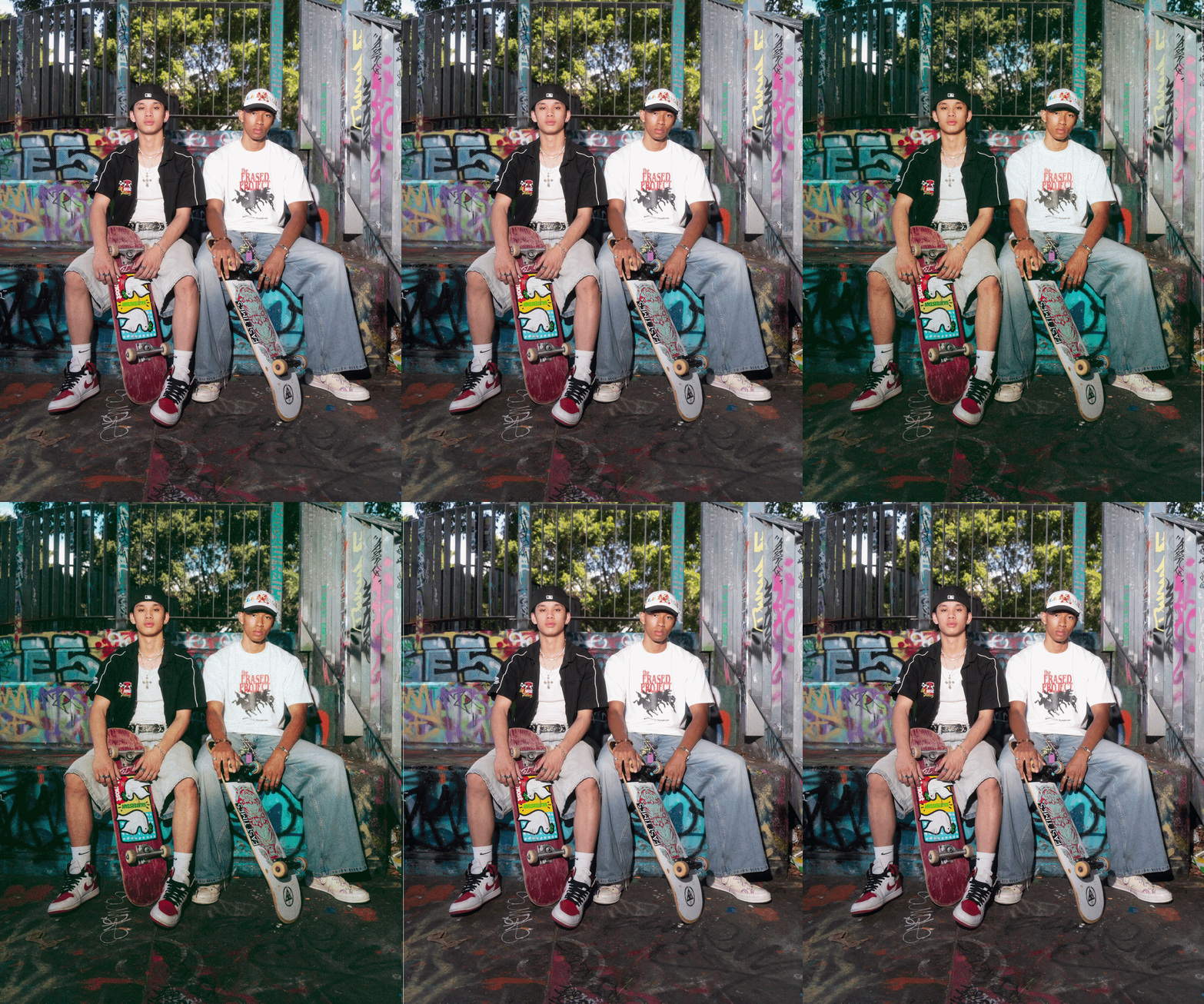
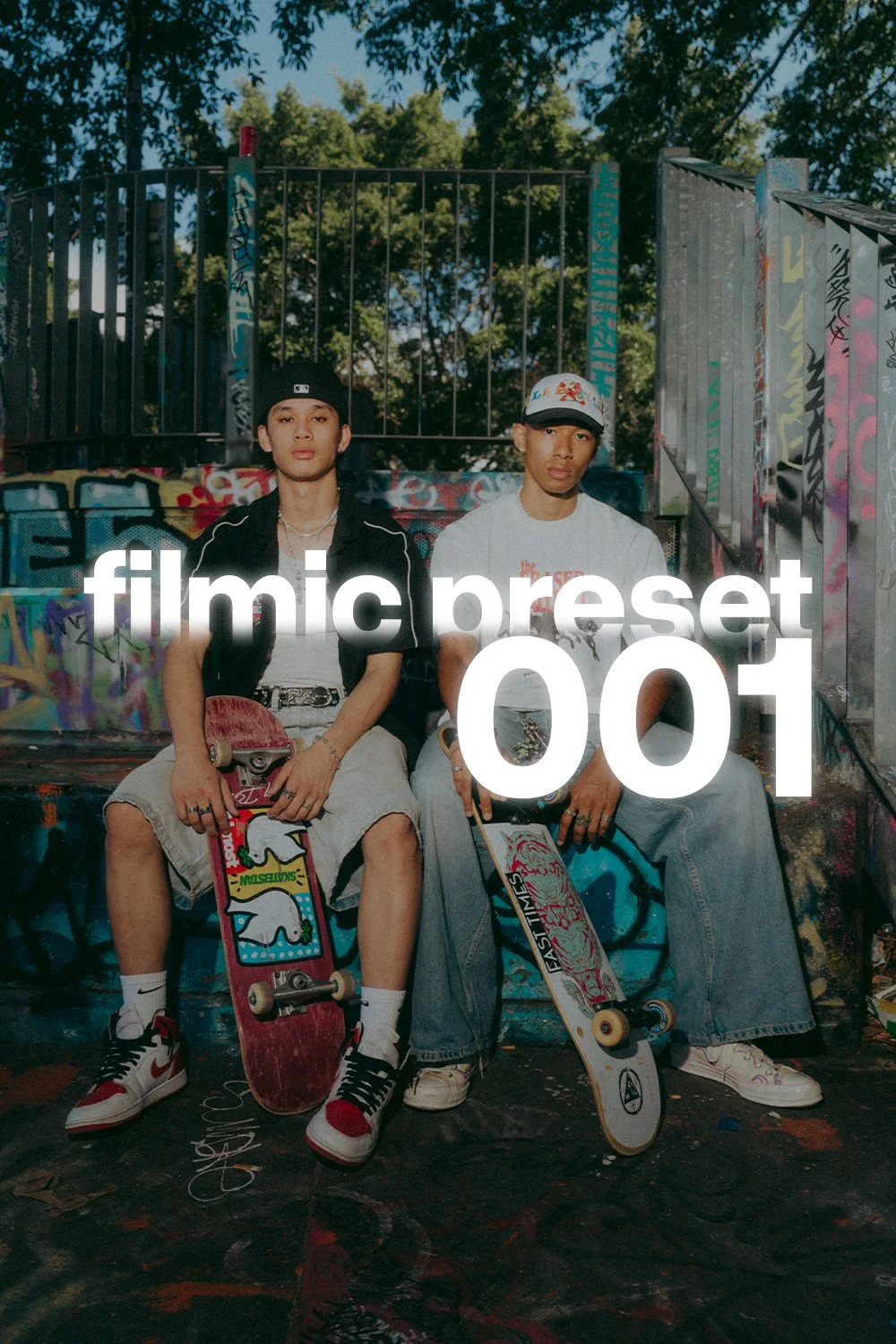
A light, film-inspired preset I use as a starting point for most of my edits, best used for outdoor settings and suitable for both natural and off-camera flash lighting.
Download contains a ZIP file that includes an XMP (Desktop) and DNG (Mobile) for your preferred Lightroom version. Installation instructions when you scroll down on this page.

*Depending on your image the output will vary. This is a base and not a one-click fits all.

A light, film-inspired preset I use as a starting point for most of my edits, best used for outdoor settings and suitable for both natural and off-camera flash lighting.
Download contains a ZIP file that includes an XMP (Desktop) and DNG (Mobile) for your preferred Lightroom version. Installation instructions when you scroll down on this page.

*Depending on your image the output will vary. This is a base and not a one-click fits all.


Basic Installation Instructions

Lightroom Desktop Users

  1. Unzip the contents from the ZIP file

  2. Select the ‘Develop’ tab in Lightroom

  3. Select the ‘+’ icon next to Presets

  4. Import the XMP file into Lightroom

  5. Enjoy

Lightroom Mobile Users

  1. Unzip the contents from the ZIP File

  2. Select the ‘Lightroom’ option from the bottom Navigation bar

  3. Tap the ‘Add Image’ icon on the bottom right (Above the navigation bar)

  4. Import the DNG file (It should have a RAW tag)

  5. Open the image from the Lightroom gallery

  6. Tap the triple dots on the top right

  7. Create preset

  8. Enjoy